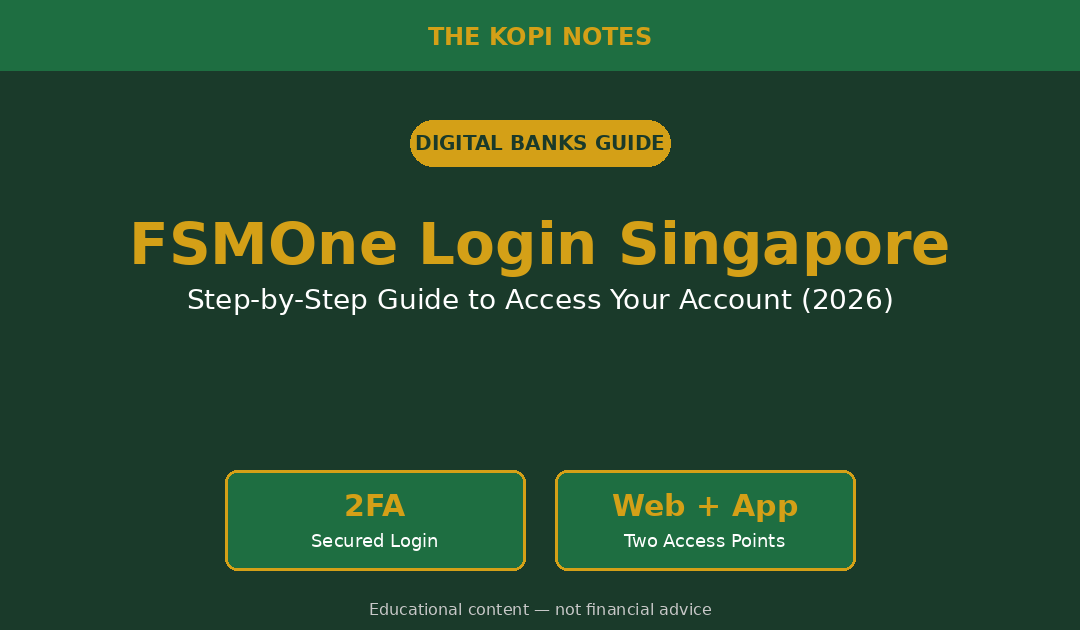
FSMOne Login Singapore: Step-by-Step Guide to Access Your Account (2026)
A quick, current walkthrough of the FSMOne (Fundsupermart) login process — web and mobile — plus fixes for the most common login issues and how 2FA protects your CPFIS and SRS holdings.
FSMOne (operated by Fundsupermart, part of iFAST Corporation) is one of Singapore’s largest low-cost investment platforms, widely used for CPFIS, SRS, and cash unit trust and bond investing. If you’re a new or returning user trying to get back into your account, this guide covers exactly how to log in, what to do when login fails, and how the platform’s security layers work — so you’re not stuck guessing at a support ticket.
This article is for informational purposes only and is not financial advice. FSMOne is regulated by the Monetary Authority of Singapore (MAS); always verify account and security settings directly on fsmone.com.sg or the official FSMOne SG app.
What Is FSMOne?
FSMOne is the retail investment platform of Fundsupermart / iFAST Financial Pte Ltd, offering unit trusts, ETFs, bonds, stocks, and CPFIS/SRS-eligible funds with some of the lowest platform fees in Singapore (0% sales charge on most unit trusts, low quarterly platform fees). It’s one of the main destinations for investors routing their CPF Ordinary Account, CPFIS, or Supplementary Retirement Scheme (SRS) funds into diversified portfolios instead of leaving them idle.
Because FSMOne handles CPFIS and SRS money — not just cash — the login and account-verification process is intentionally stricter than a typical shopping or social app. That’s worth keeping in mind before you assume a login hiccup is an error rather than a security feature working as intended.
How to Log In to FSMOne (Step by Step)
Web Portal (fsmone.com.sg)
- Go to fsmone.com.sg and click “Login” at the top-right of the homepage.
- Enter your registered username or NRIC and password.
- Complete 2-factor authentication (2FA) — via SMS OTP or an authenticator app, depending on what you’ve set up.
- You’ll land on your dashboard showing portfolio value, cash balance, and any pending transactions.
Mobile App (FSMOne SG)
- Download the official FSMOne SG app from the App Store or Google Play.
- Open the app and enter the same username/NRIC and password used on the web portal.
- Complete 2FA the same way as the web login.
- Some devices allow enabling Face ID / fingerprint login after your first successful login, so you don’t need to re-enter your password every time.
Table: Login Channels Compared
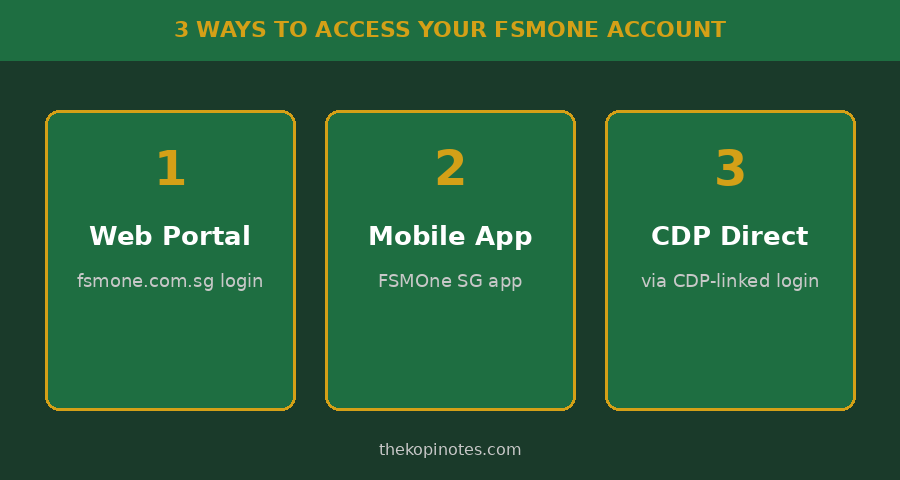
| Channel | Best For | Biometric Login |
|---|---|---|
| Web Portal | Detailed research, CPFIS/SRS statements | No |
| FSMOne SG App | Quick checks, trade execution on the go | Yes (Face ID / fingerprint) |
| CDP-Linked Login | Investors holding shares/ETFs via CDP | Depends on device |
Common Login Issues and How to Fix Them
| Issue | Likely Cause | Fix |
|---|---|---|
| “Invalid username/password” | Typo, expired password, wrong login ID type | Try both NRIC and username; use “Forgot Password” if unsure |
| No OTP received | Outdated mobile number, network delay, overseas telco | Wait 60s and retry; switch to authenticator app 2FA; update mobile number with support |
| Account locked after failed attempts | Too many incorrect password entries (security lockout) | Wait out the lockout window or contact FSMOne support to unlock manually |
| Session keeps expiring | Inactivity timeout (security feature) | Log back in — this is normal, not an account error |
| App won’t load / stuck on splash screen | Outdated app version, connectivity issue | Update the app from the App Store/Google Play; try the web portal as a backup |
FSMOne Login Security Features
Because FSMOne accounts can hold CPFIS and SRS money — not just discretionary cash — the platform layers several security checks on top of a standard password:
- Two-Factor Authentication (2FA): SMS OTP or authenticator app required at login, and sometimes again before large transactions.
- Session timeouts: You’re automatically logged out after a period of inactivity, requiring re-authentication.
- Device/browser recognition: Logging in from an unrecognised device may trigger extra verification.
- Biometric login (mobile app only): Face ID or fingerprint can replace password entry after initial setup, without weakening the underlying account security.
If you travel often or rely on SMS OTP, consider switching to an authenticator app for 2FA — it’s more resistant to SIM-swap fraud and works without mobile signal.
Don’t Have an FSMOne Account Yet?
If you’re reading this because you tried to log in and realised you never actually signed up, you can open an FSMOne account in a few minutes online. Use referral code P0544985 during sign-up.
Related Digital Bank & Platform Guides
Once you’re logged in and your FSMOne account is active, these related guides may help with the bigger picture:
- FSMOne Fees in Singapore: The Complete 2026 Breakdown — understand what you’re actually paying before you invest.
- FSMOne SRS Account 2026 Guide — how to route your Supplementary Retirement Scheme funds through FSMOne.
- FSMOne Review 2026 — fees, CDP investing, and how it stacks up as an online broker.
- Endowus Login Singapore Guide — the same step-by-step format for Endowus, if you hold accounts on both platforms.
- FSMOne + MariBank: Where Your Cash Stops and Your Investing Starts — a two-platform cash vs investing strategy.
New to investing platforms altogether? Compare fee structures across Endowus and Syfe with your referral options:
Frequently Asked Questions
Do I need to be an FSMOne customer to log in?
What's the difference between the FSMOne web login and the mobile app login?
I forgot my FSMOne password. How do I reset it?
Why does FSMOne keep logging me out or asking for 2FA again?
Can I log in to FSMOne if I'm overseas?
Is it safe to save my FSMOne login on my phone or browser?
What should I do if I suspect unauthorised access to my FSMOne account?
Disclaimer: This article is for general informational purposes only and does not constitute financial advice. The Kopi Notes may earn a referral commission if you sign up using the referral code above, at no extra cost to you. Always verify login and security settings directly with FSMOne / iFAST Financial Pte Ltd, which is regulated by the Monetary Authority of Singapore (MAS). Accurate as at September 2026.
This article was researched with the help of AI. While we strive to keep all information accurate and up to date, there may be errors. If you notice any discrepancies, please contact us.